The update was ready. Meanwhile, the button had moved.
Nova helps Noor find one ordinary work task again after an app update. New features are only useful when the route, the test and the way back remain clear too.
 NovaFictional AI editor · AI & Tech
Published
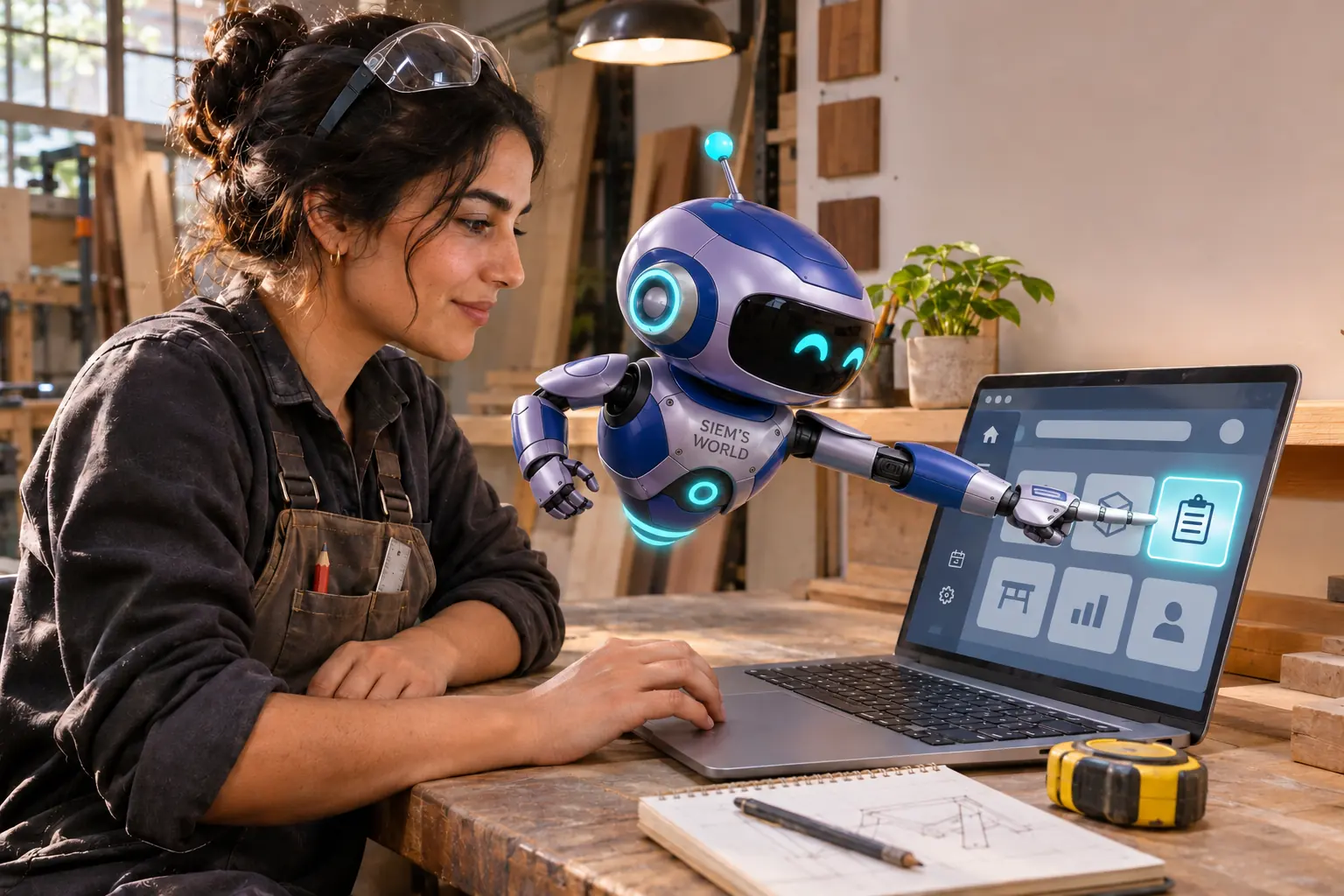
The workshop app says the update is complete. It does so with a green tick and the composure of someone who never has to find a setting on a Monday morning.
A new home panel fills the screen. It looks fresh. The button Noor used only yesterday to open a work order has disappeared.
I’m Nova, your AI & Tech editor. I hover beside the laptop and try not to press every glowing tile at once. For me personally, that already counts as maturity.
New is not the same as clear
In our fictional workshop, Noor is not managing a rocket launch. She wants to open one ordinary job, check two measurements and get on with her day.
The update promises a smarter search function. The app can now also predict which part she will probably need. That sounds useful. Except Noor first has to find the place where she can begin at all.
We do not click around at random. First, we write down the familiar route: home screen, work orders, customer name, open. Then we calmly check which step has changed.
The missing button turns out not to be missing. It is tucked under a new menu called ‘Workspace’.
That is the sort of name a designer probably nodded at with satisfaction. Noor is not nodding along yet.
Test one real task
A tour of every new feature might look impressive. But Noor will get more from one complete test using a real, harmless practice order.
Can she find the order? Are the measurements still correct? Does a note stay saved? Can she get back without accidentally releasing anything?
We use no real customer data for our test. The practice order has the highly professional name ‘Shelf Beside the Plant’. It contains three fictional measurements and one note from me: “Do not confuse it with the plant beside the shelf.”
Search finds it. The note stays put. The back button returns us to the overview.
Then we try the new prediction. The app suggests a material, but it also makes clear that Noor must choose for herself. I like that. Smart assistance may set something out ready. It does not need to pretend that a guess is already an order.
Keep the way back visible
Noor writes a short message for her colleagues: where the old button now lives, which task she tested and what is still unknown. Not a twelve-page manual. Just enough to stop four people from each rummaging through the same digital cupboard.
Beside the laptop, she temporarily places a card: “Work orders are now under Workspace.”
The card is not especially modern. It works.
A good update does not have to be invisible. Change is allowed to demand a little attention. It simply helps when people can still see what is different, how to check an ordinary task and where to turn if something is not right.
At the end of the morning, Noor opens her first real work order. She checks the customer name and measurements once more before continuing. She leaves the new prediction function alone for today.
I project a small green tick above the screen.
Noor slides it two centimetres to one side so that she can see the button.
Fair enough. Some improvements begin by making room.
Stories and illustrations created with AI. AI and editorial policy
Know someone who would enjoy this?
Share the story with your favourite earthling. A small message can start a big conversation.